Neighborhoods & condos
Every neighborhood you sell, already built.
About 8,000 city, ZIP, community and condo-building pages come with every site. Each one is built from live listings, and city and neighborhood figures carry the date they were measured, so your site has an answer for every place you work.
- About 8,000 pages per site
- Condo buildings found automatically
- Live listing numbers
What you get
A page for every place a buyer types.
Each page is generated from the listings and stays current with them. Nobody has to write or update it.
-
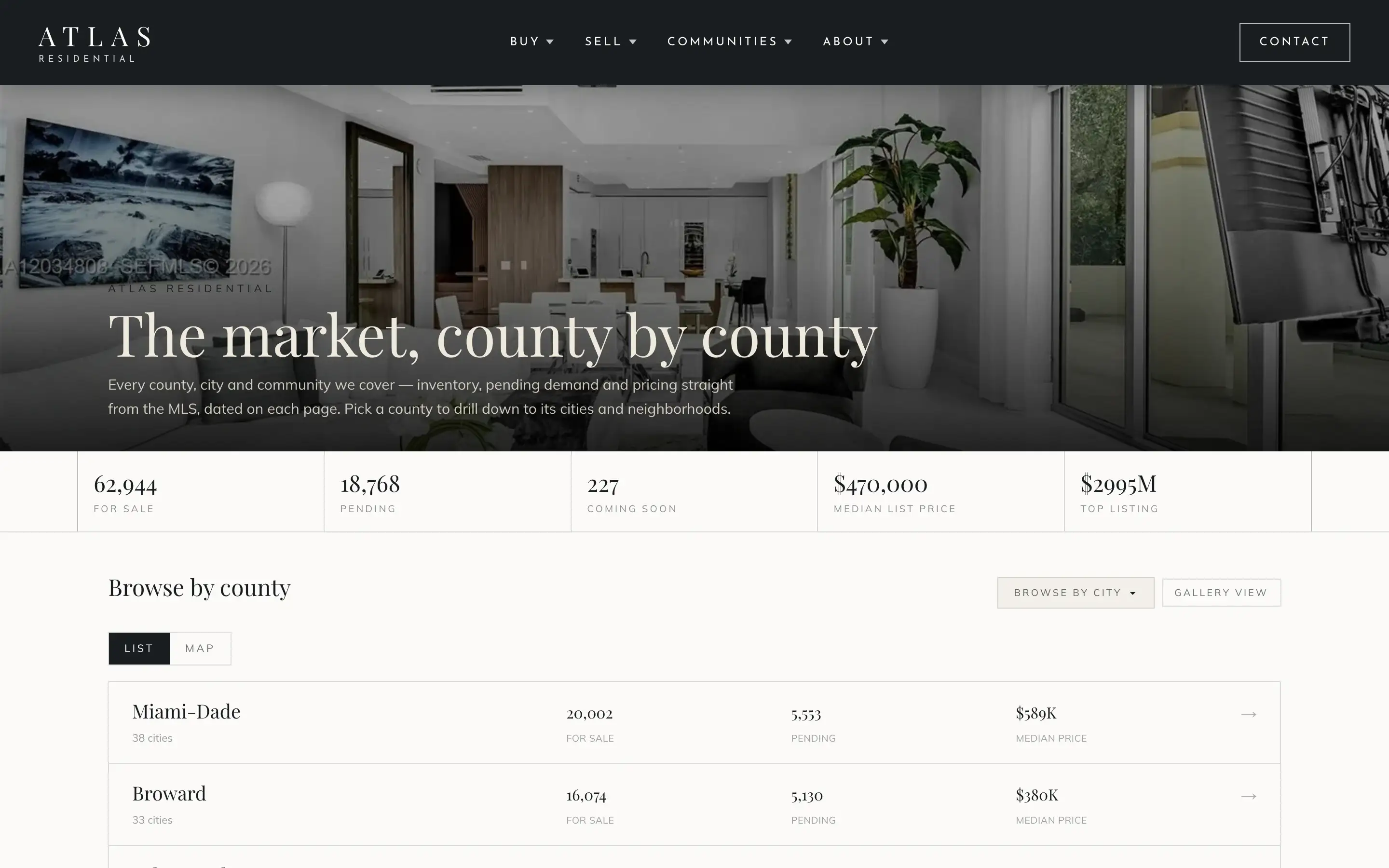
County directories
Each county with its cities, live counts and median prices: the top of the drill-down.
-
City pages
Live inventory, the price range and the newest listings for each city, with the date the figures were measured.
-
ZIP code pages
The same live picture for every ZIP code, for buyers who think in ZIP codes.
-
Community pages
Thousands of communities found automatically from the listings, each with its own homes and figures.
-
Condo-building pages
One page per building, with what is available now, price per square foot and fees.
-
Featured communities
Hand-curated pages for the communities you want to be known for, with a story of their own.
- ~8,000
- city, ZIP, community and building pages per site
- 21
- Florida counties of listing coverage
- 15 min
- between listing updates
Figures as observed on the live demo sites, November 2026.
Drill down
From county to community, step by step.
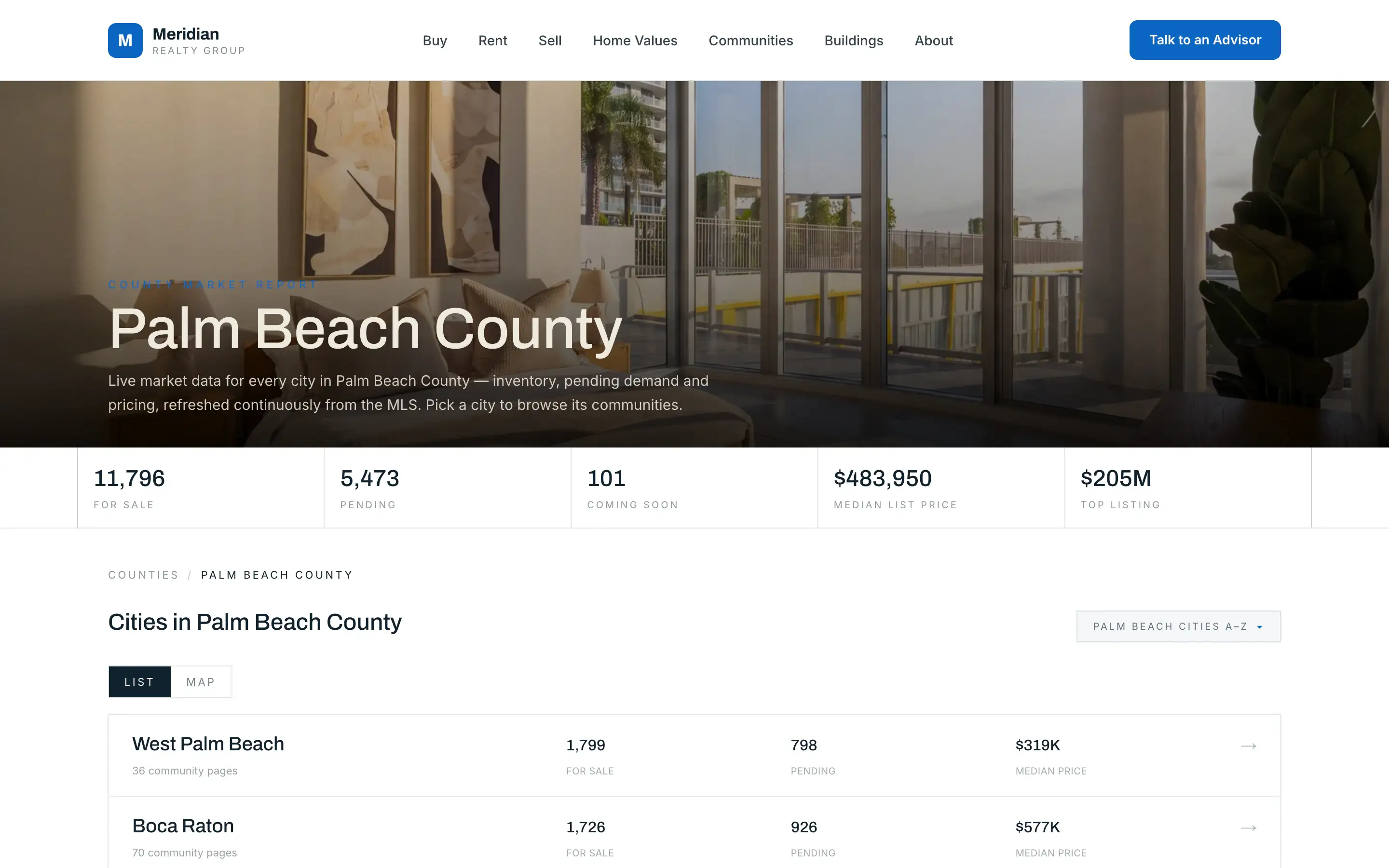
Buyers start wide and narrow down. The communities directory follows them: pick a county, then a city, then a community.
- Live inventory at every level.
- Median price and homes under contract beside each name.
- Live counts and median prices at every level, from county to community.
Condo buildings
Condo buildings, found for you.
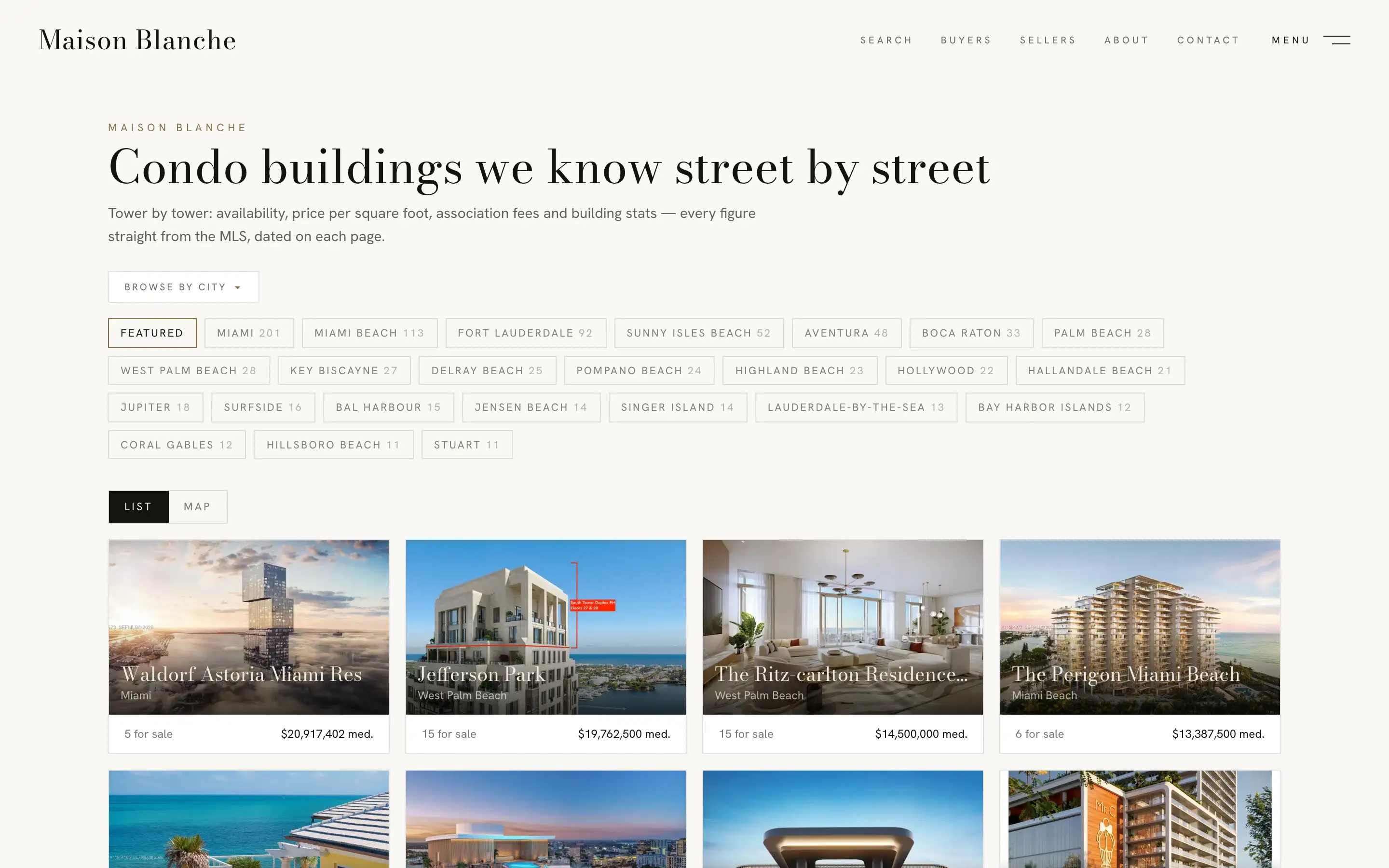
Condo buildings are found automatically from the listings, and each one gets its own page. Nobody keeps the list by hand.
- An index of the buildings, and a view by city.
- Units available now, price per square foot and fees on each building page.
- The building’s listings, live from the MLS.
Featured communities
The places you know best, told your way.
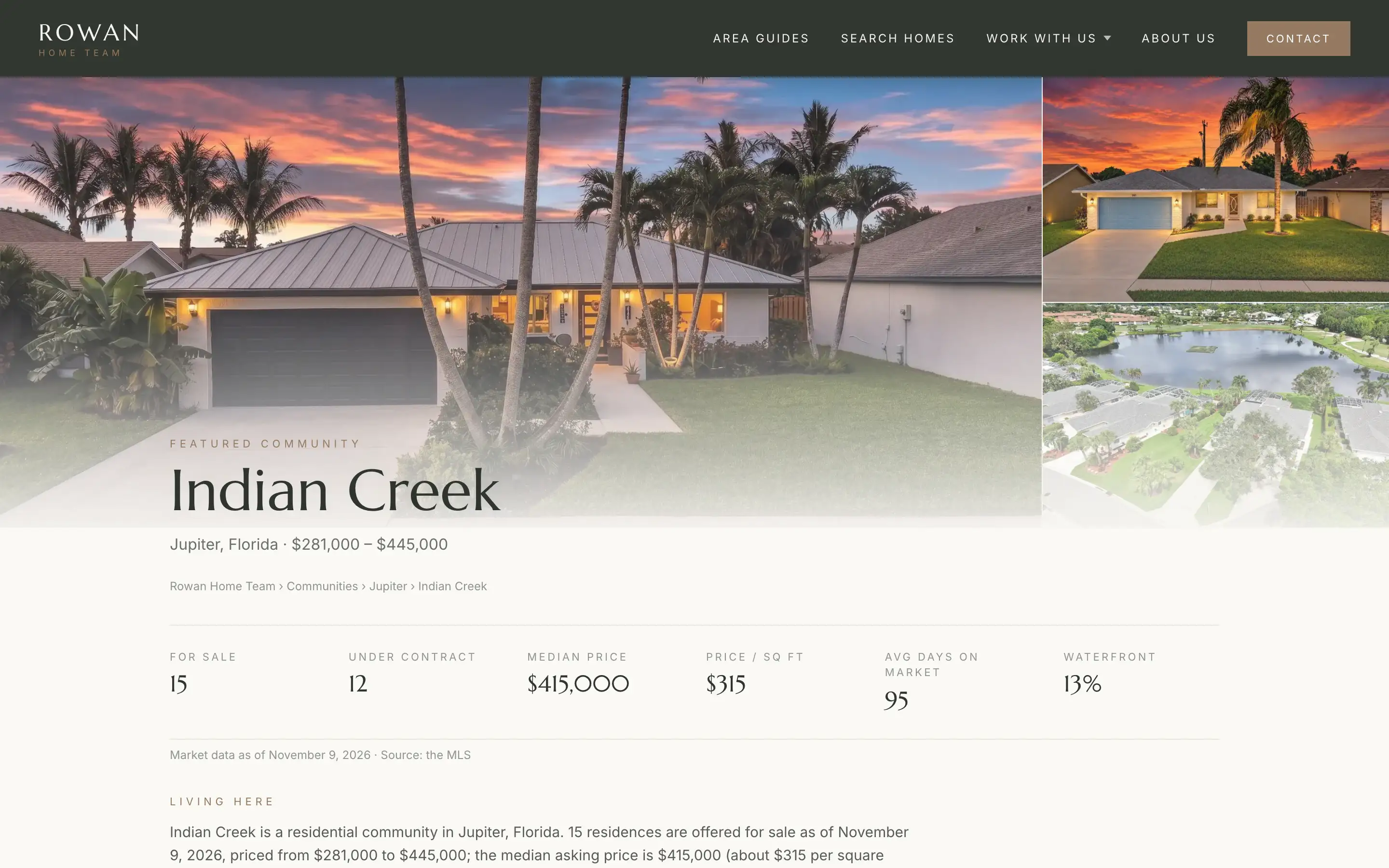
Some communities deserve more than figures. For the ones you want to be known for, a featured page adds a written introduction above the live listings and numbers.
- Which homes belong is defined by hand, so the page shows the community as locals know it.
- An introduction written for your brand.
- Live listings and market figures beneath it, like every other page.
Live, dated, findable
Fresh numbers, on pages built to be found.
The figures on these pages are computed from current listings. City and neighborhood figures carry the date they were measured, so visitors can see how recent they are.
- Each site publishes sitemaps that list every page.
- Structured data describes each place, listing and breadcrumb.
- Pages link to each other, from county down to building.
Search rankings depend on much more than a website, so we never promise them. We build every page so it can be found.
Open the Vela neighborhood atlas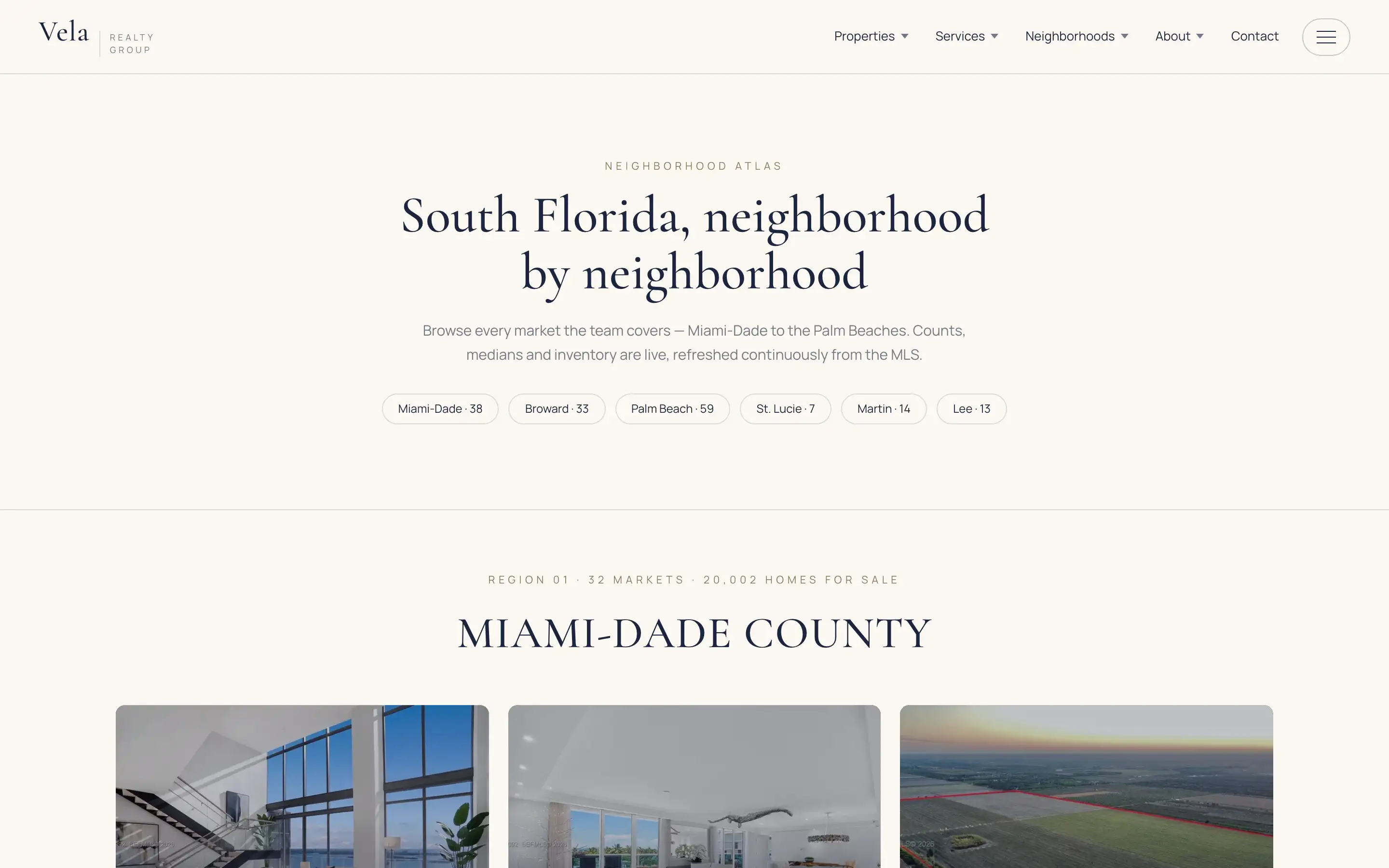
Demo sites run sample brands. The people, reviews and a few showcase figures on them are samples; the listings and maps are live.
Client reviews
Why agents chose us.
-
The features like seller lead generation landing pages for each city and community are what sold me on going with Realty Net. … I’ve yet to see tools like this with any other website provider.
Frank Mejia Realty Net Media client
-
After my long research and trying other companies, I came across my colleague realtor website and I really loved the appearance, functionality, CRM and all the market stats. Everything was there. It was very user friendly.
Irina Mironova Realty Net Media client
-
… I went with a big box brand because of the low-cost entry. However, I quickly realized you get what you pay for and it became glaringly obvious when I came across another realtor site that Realty Net had built.
Nathan Atchison Realty Net Media client
Questions
About neighborhood pages.
Do I have to write these pages?
No. City, ZIP, community and building pages are generated from the listings and stay current on their own. Featured communities add a written introduction, and we prepare those with you.
How many pages will my site have?
About 8,000 city, ZIP, community and condo-building pages for a site covering the full market. The exact number moves with the market, and the new-development pages come on top.
How are condo buildings found?
Automatically, from the listing data. Each building gets a page with its available units, price per square foot and fees.
Will these pages rank in search engines?
Nobody can honestly promise rankings. What we do is build every page to be found: sitemaps, structured data, dated figures and links between related places.
Can I choose which communities are featured?
Featured communities are set up site by site. Tell us which communities matter most to your business and we will plan them with you.
Keep exploring
More of the platform.
-
Platform overview
The five capabilities in every design, on one page.
Explore -
MLS search & maps
Live listings, a map you can draw on, and filters that stay in the link.
Explore -
New developments
137 new and pre-construction projects, each with a page we keep current.
Explore -
Seller lead tools
A home-value page for every community, and market figures from live data.
Explore -
CRM & follow-up
Realty Net Media also offers a CRM and follow-up tools for your leads.
Explore -
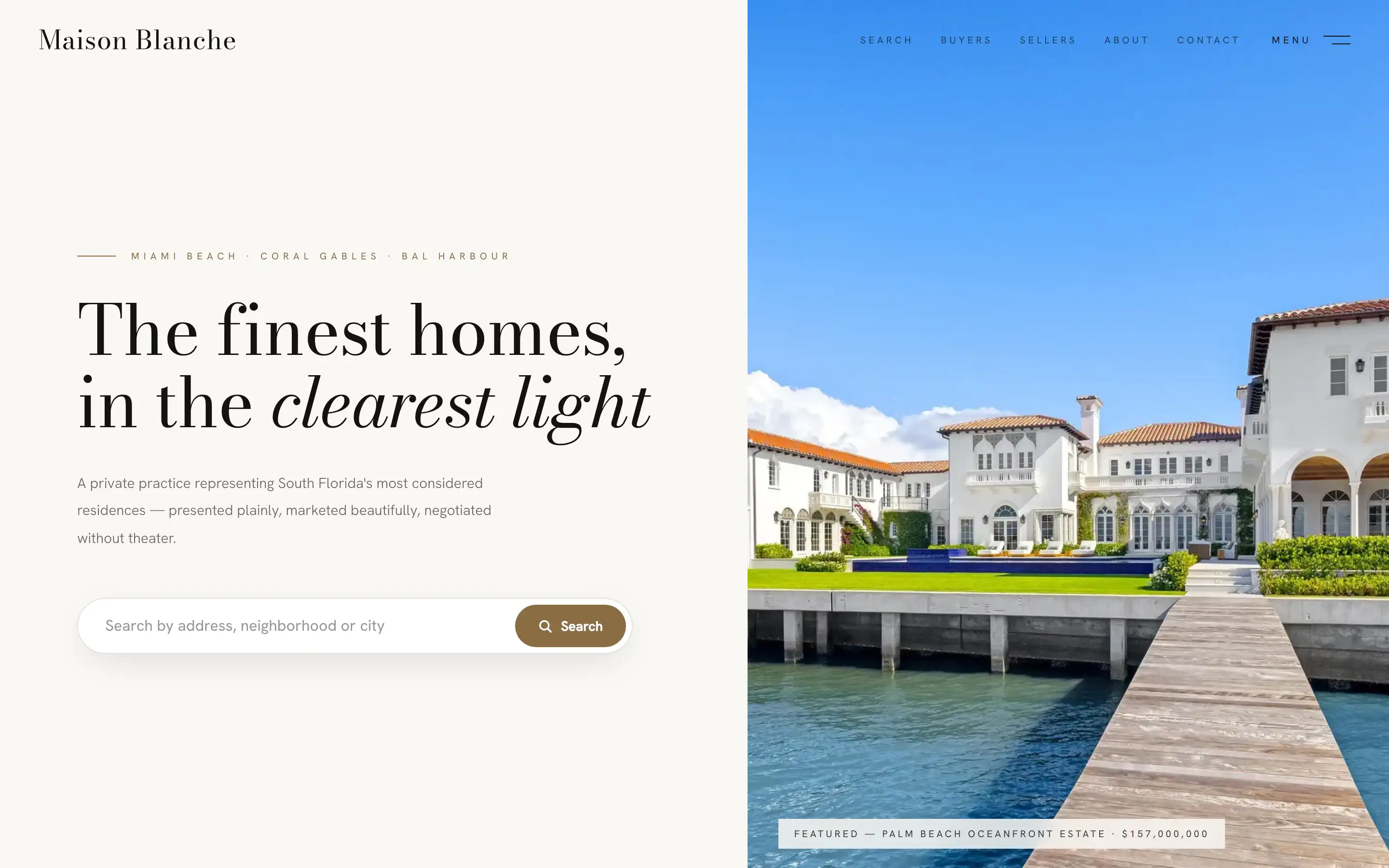
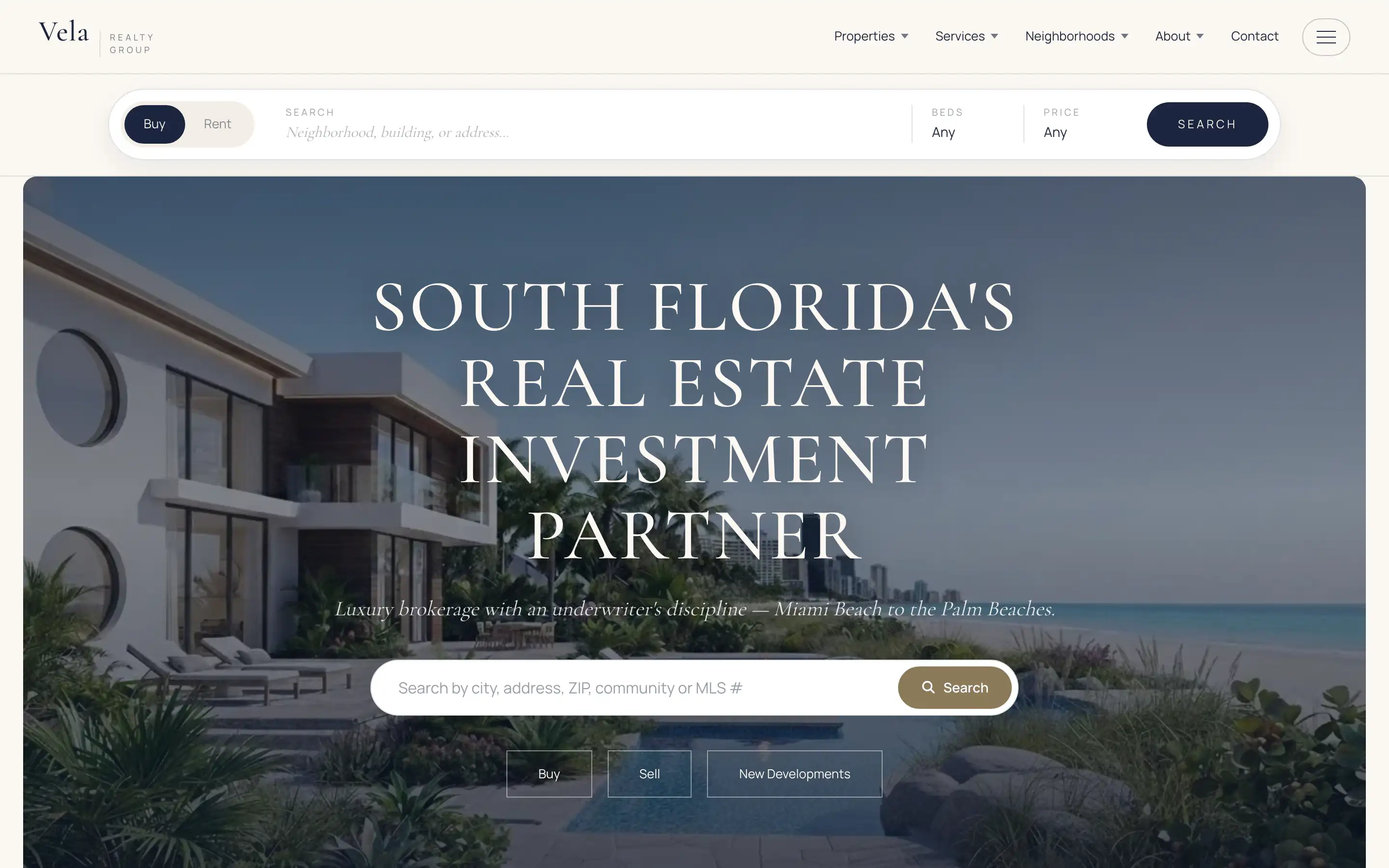
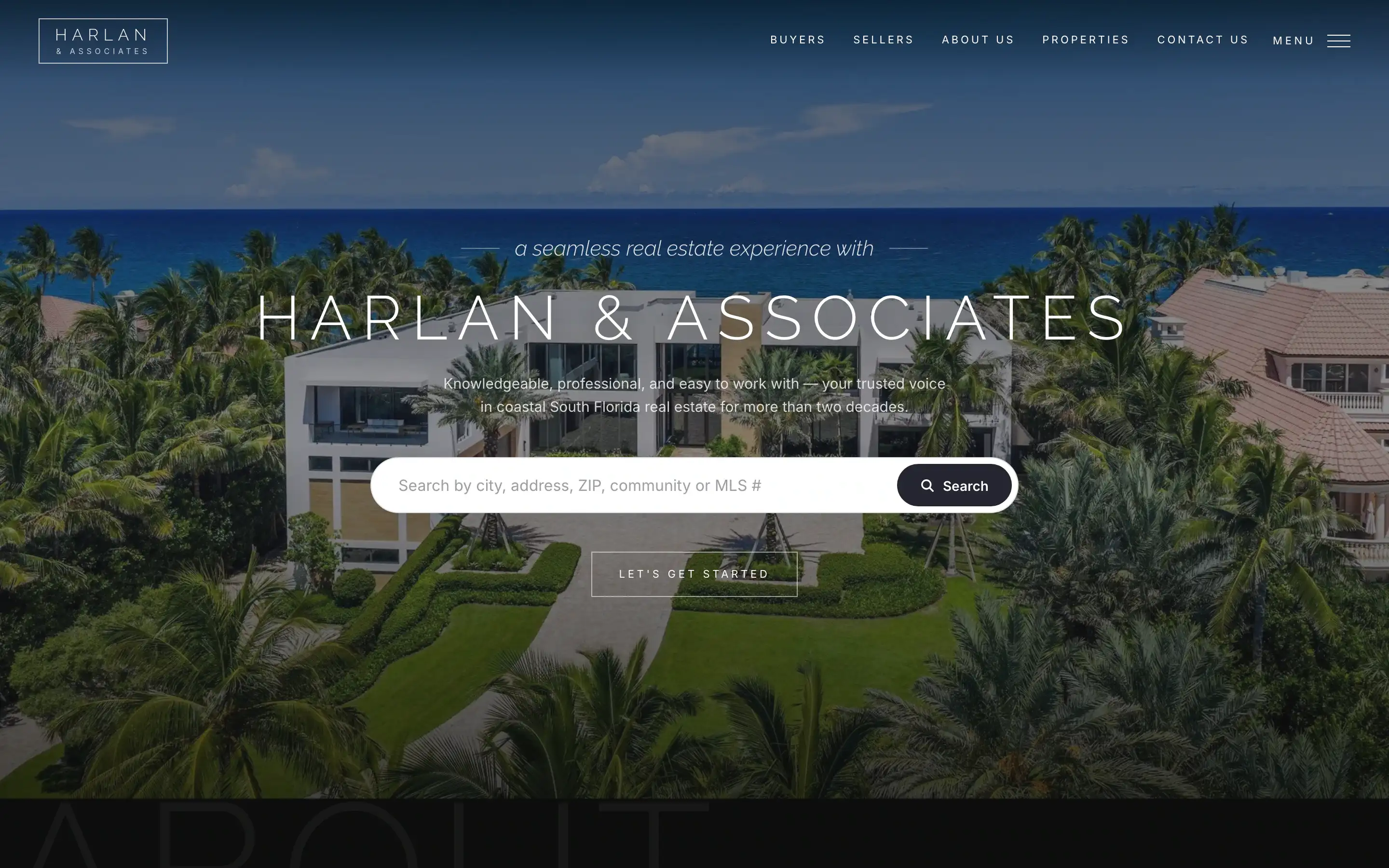
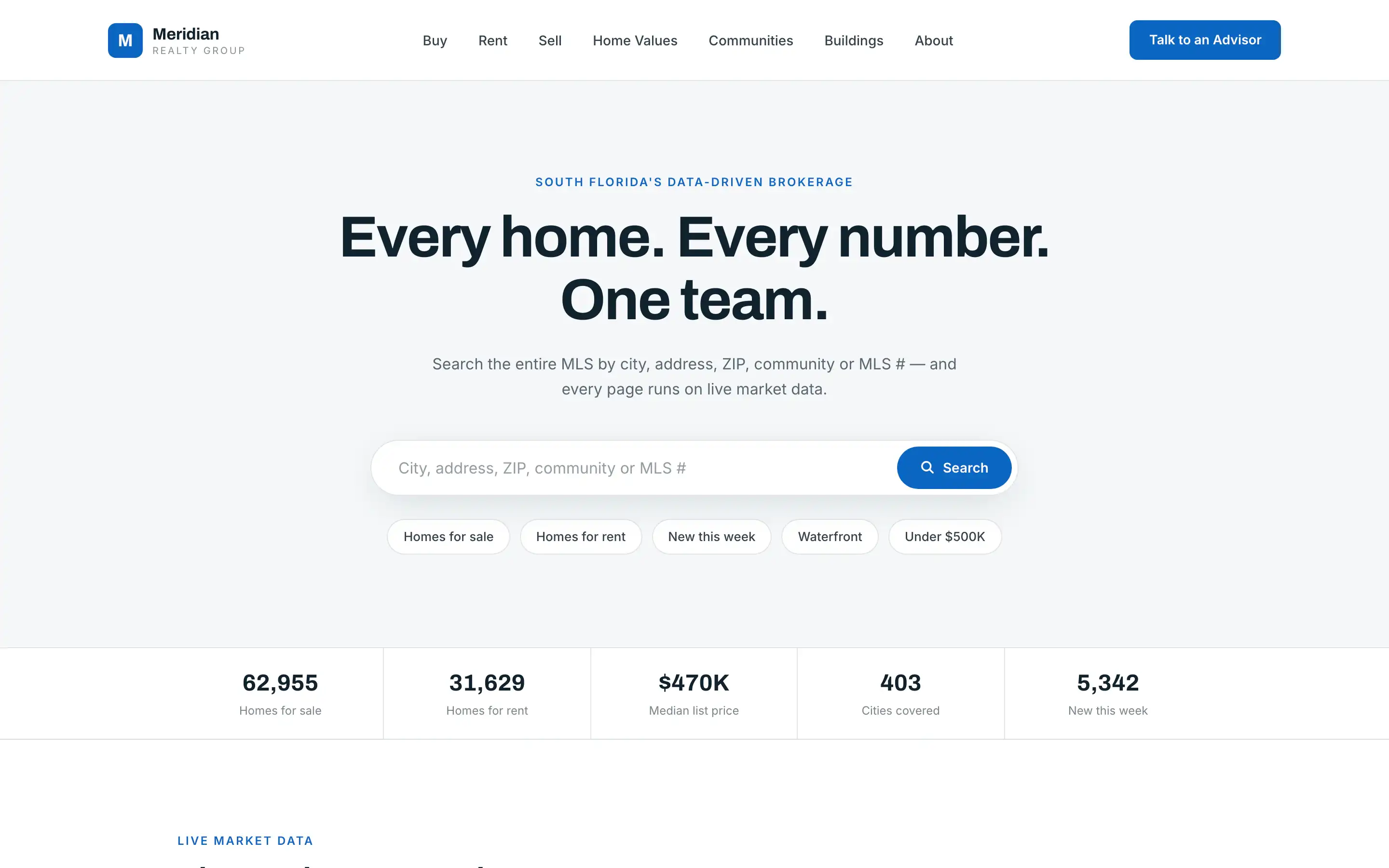
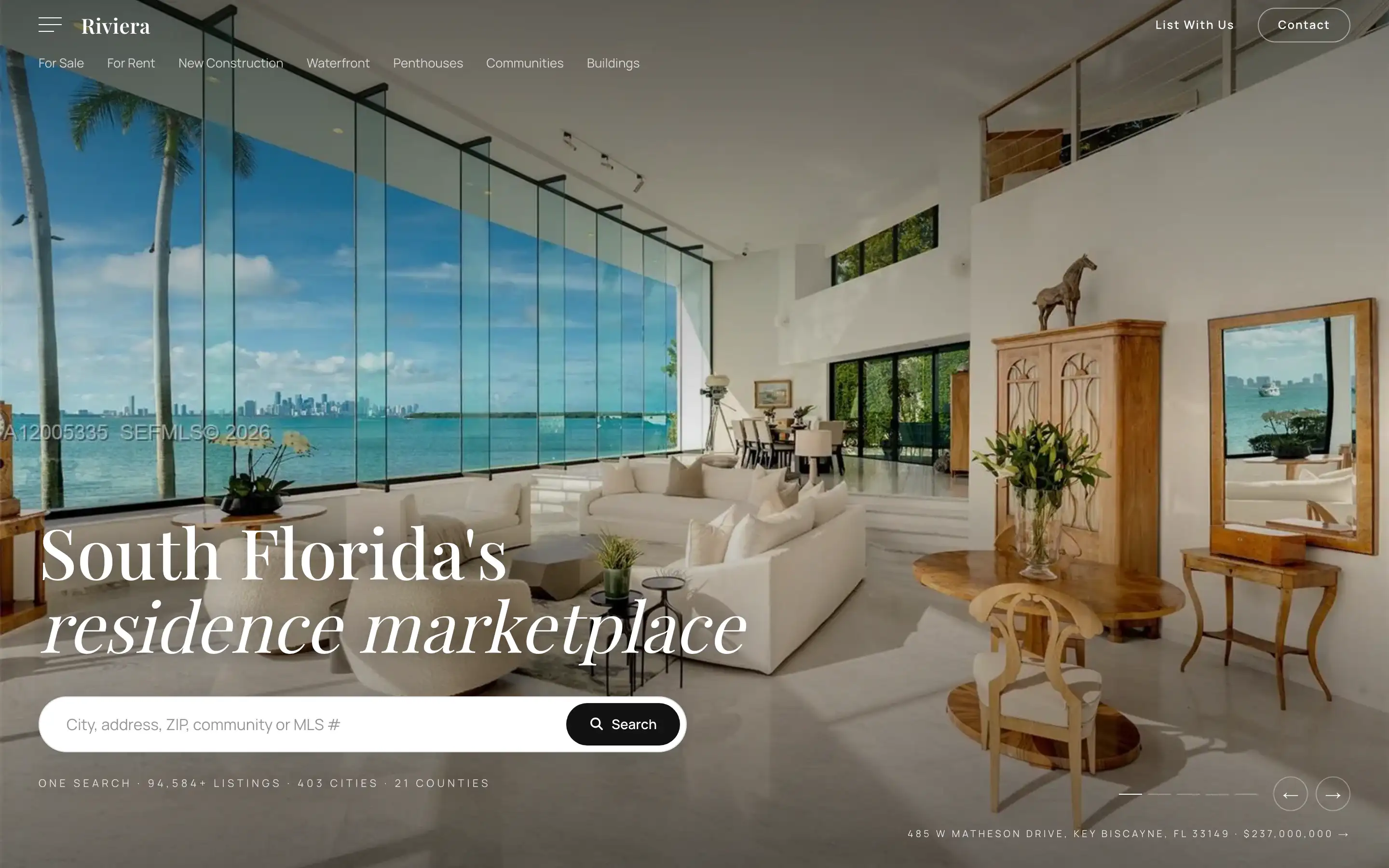
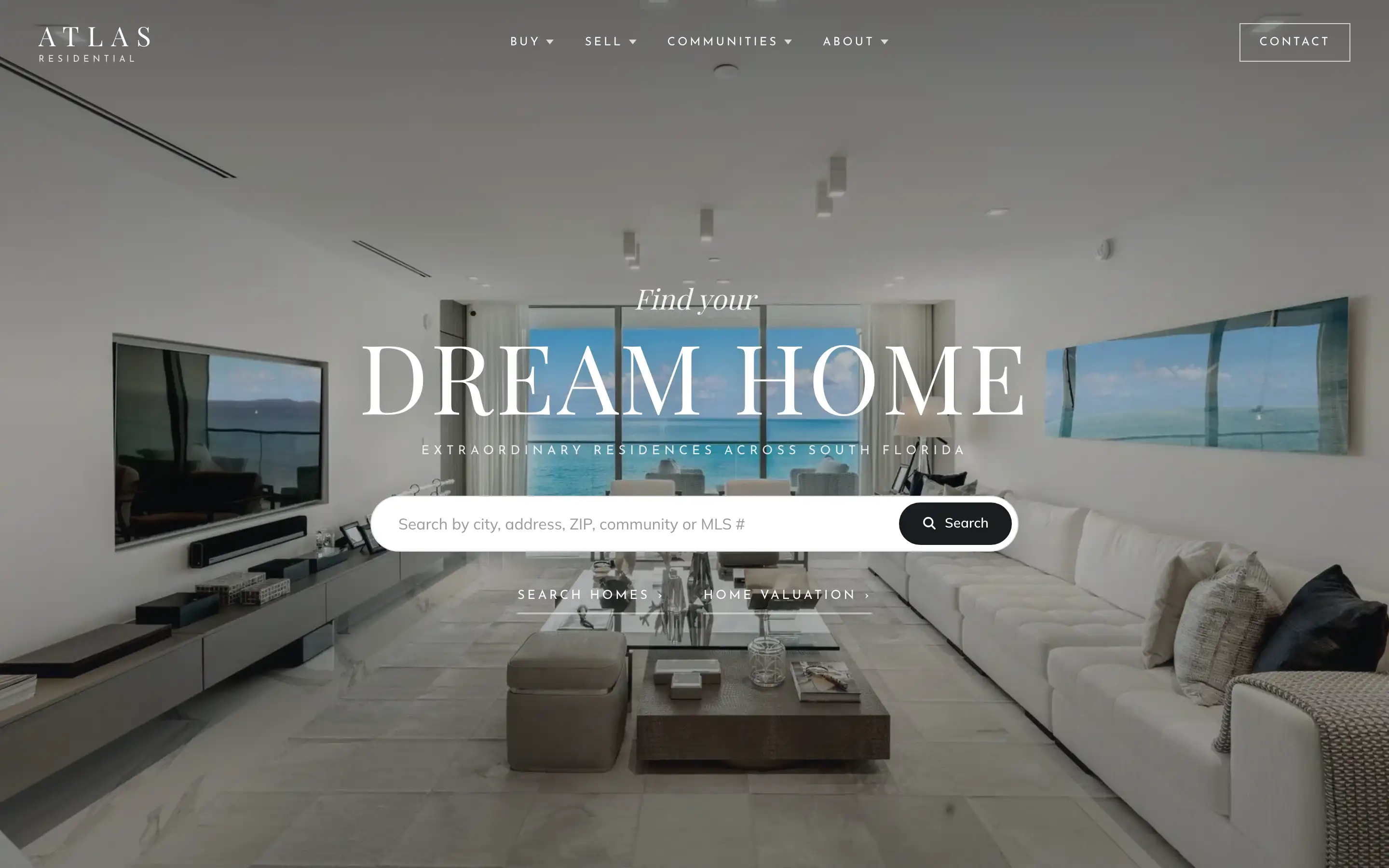
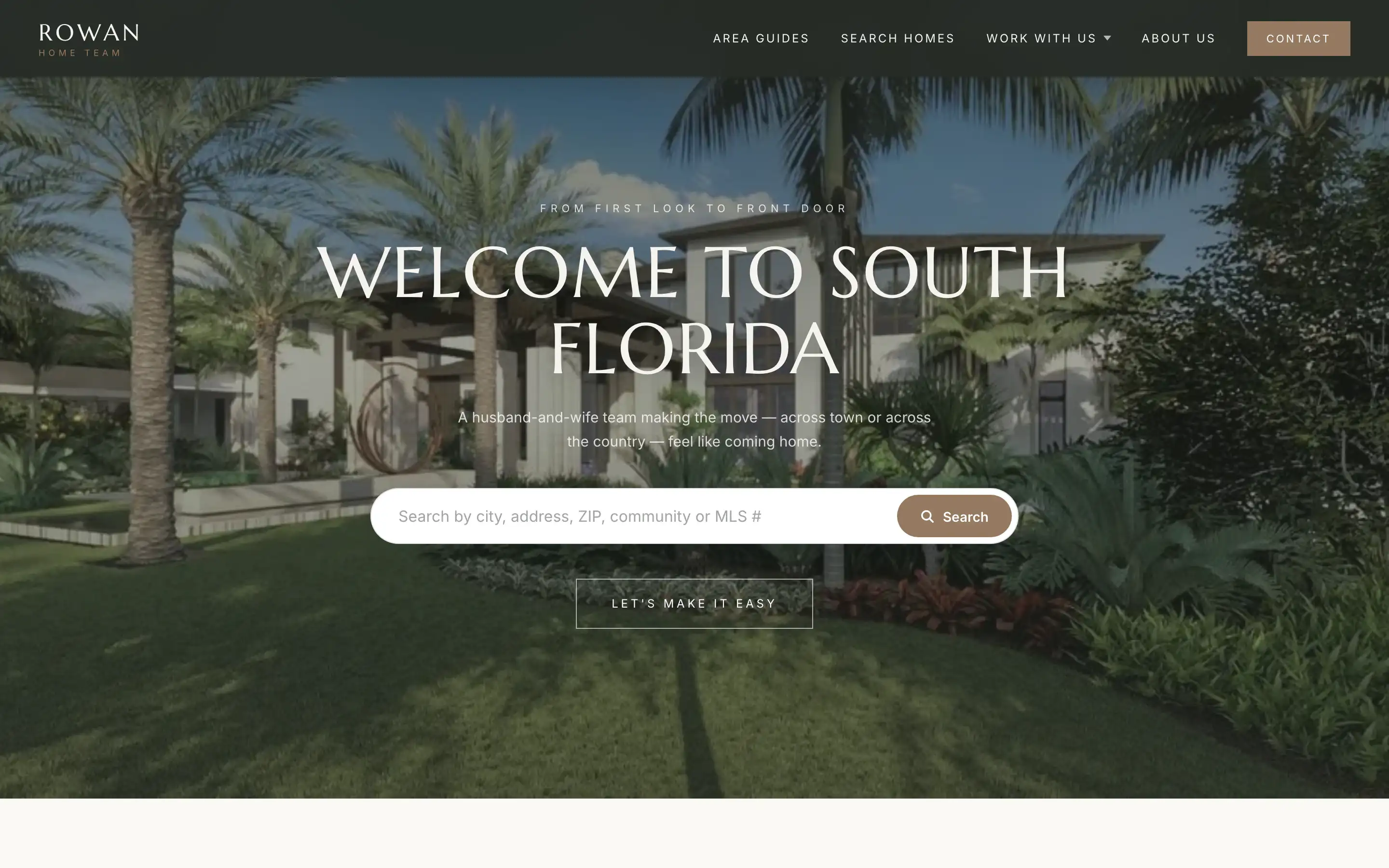
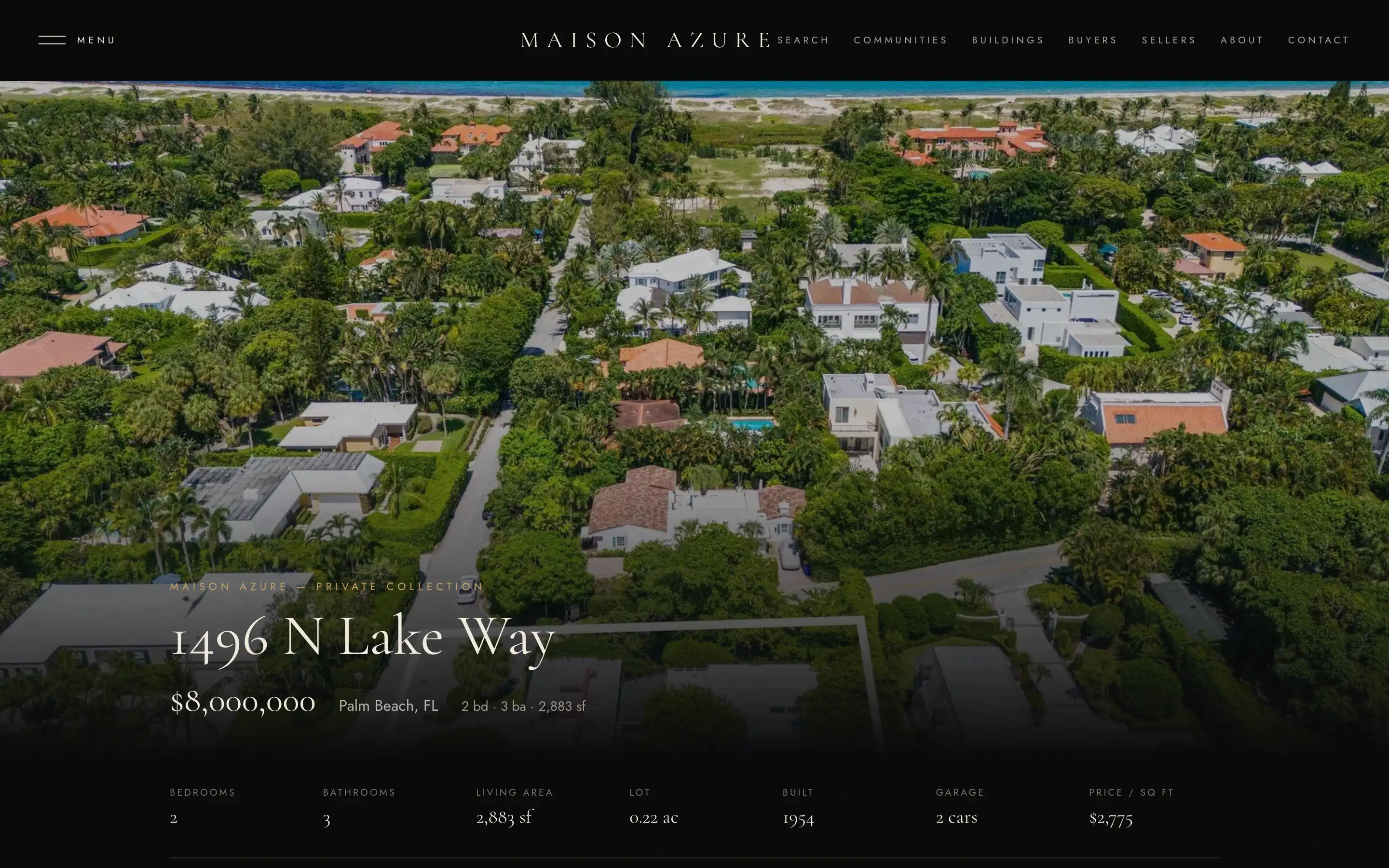
The eleven designs
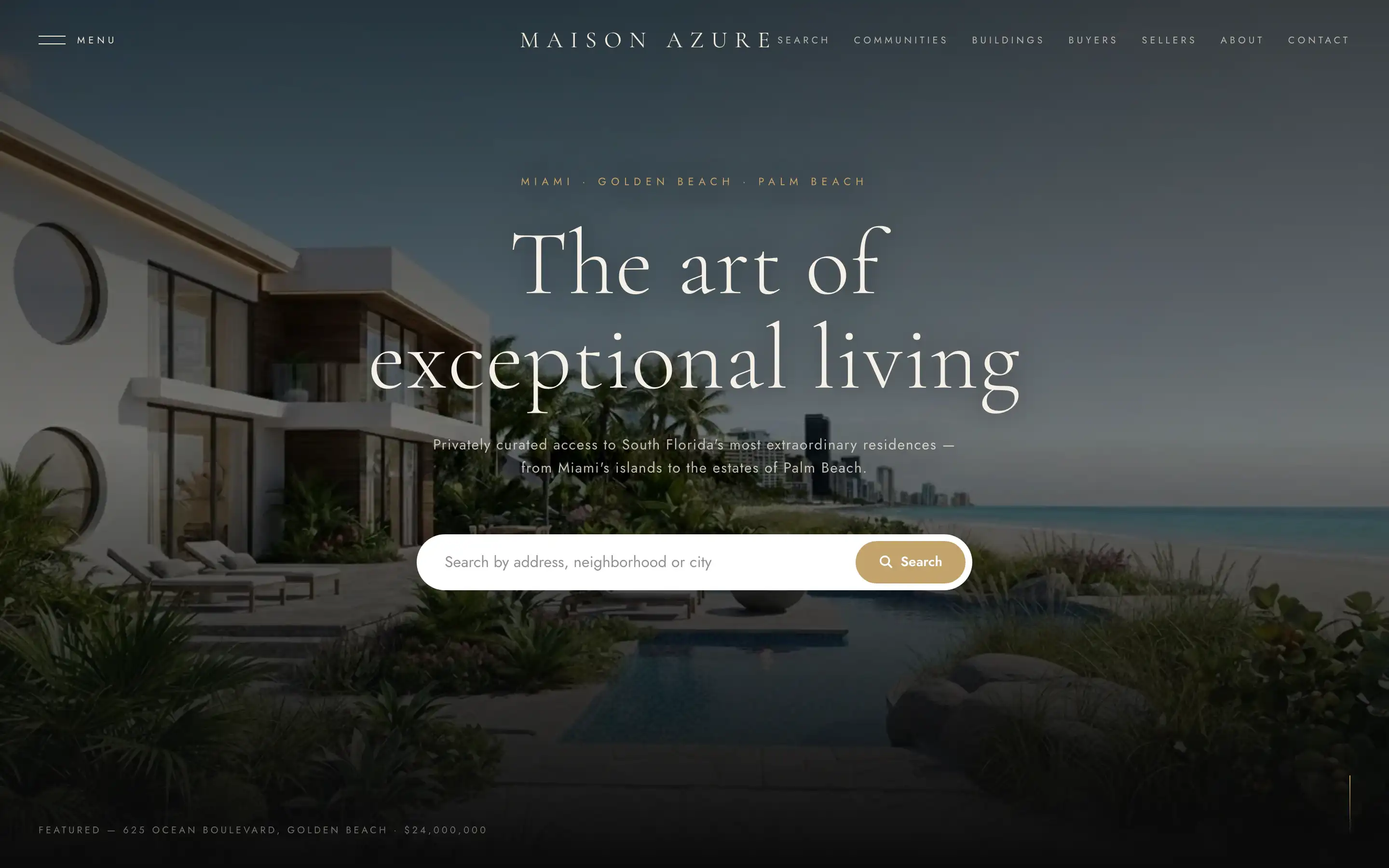
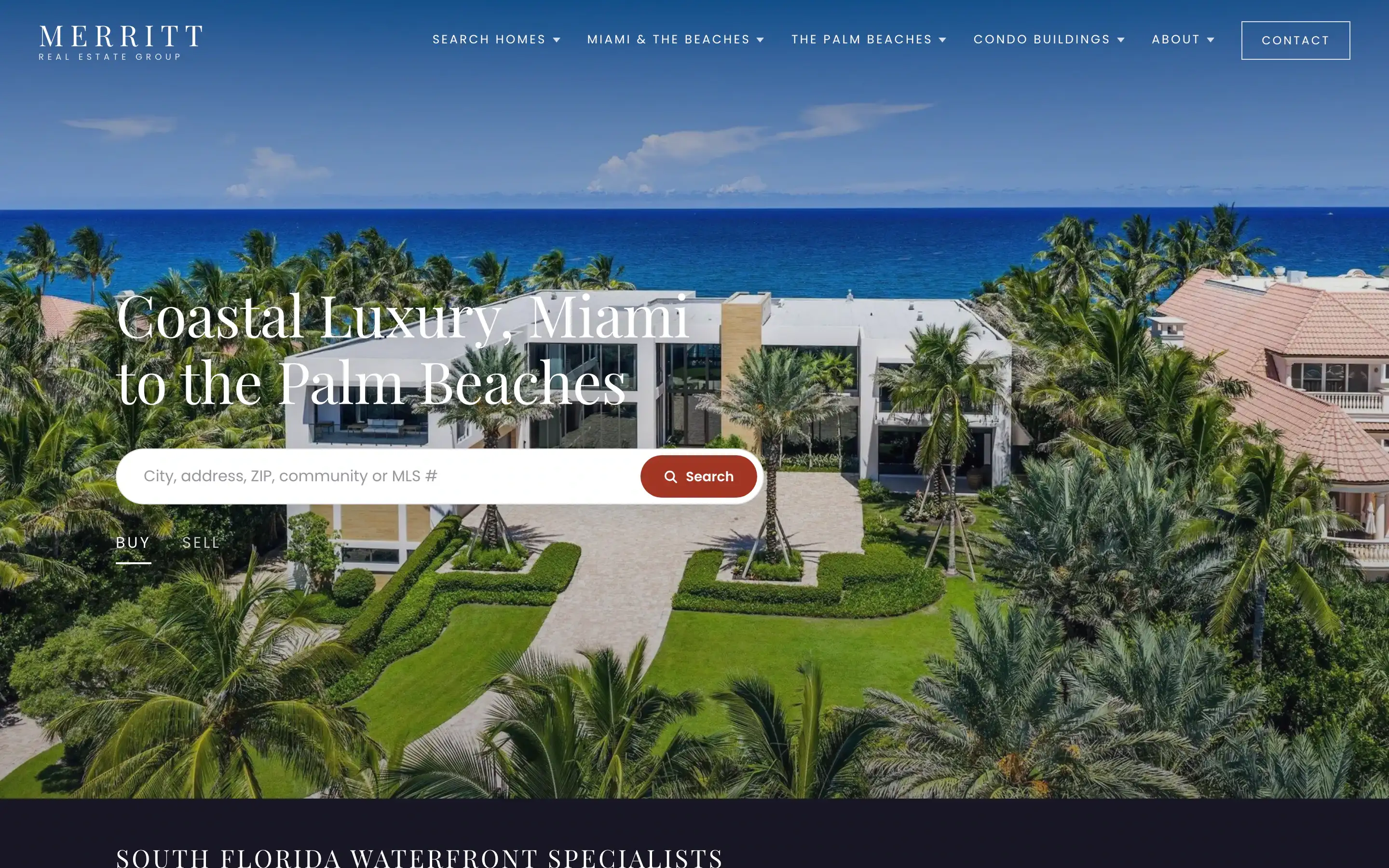
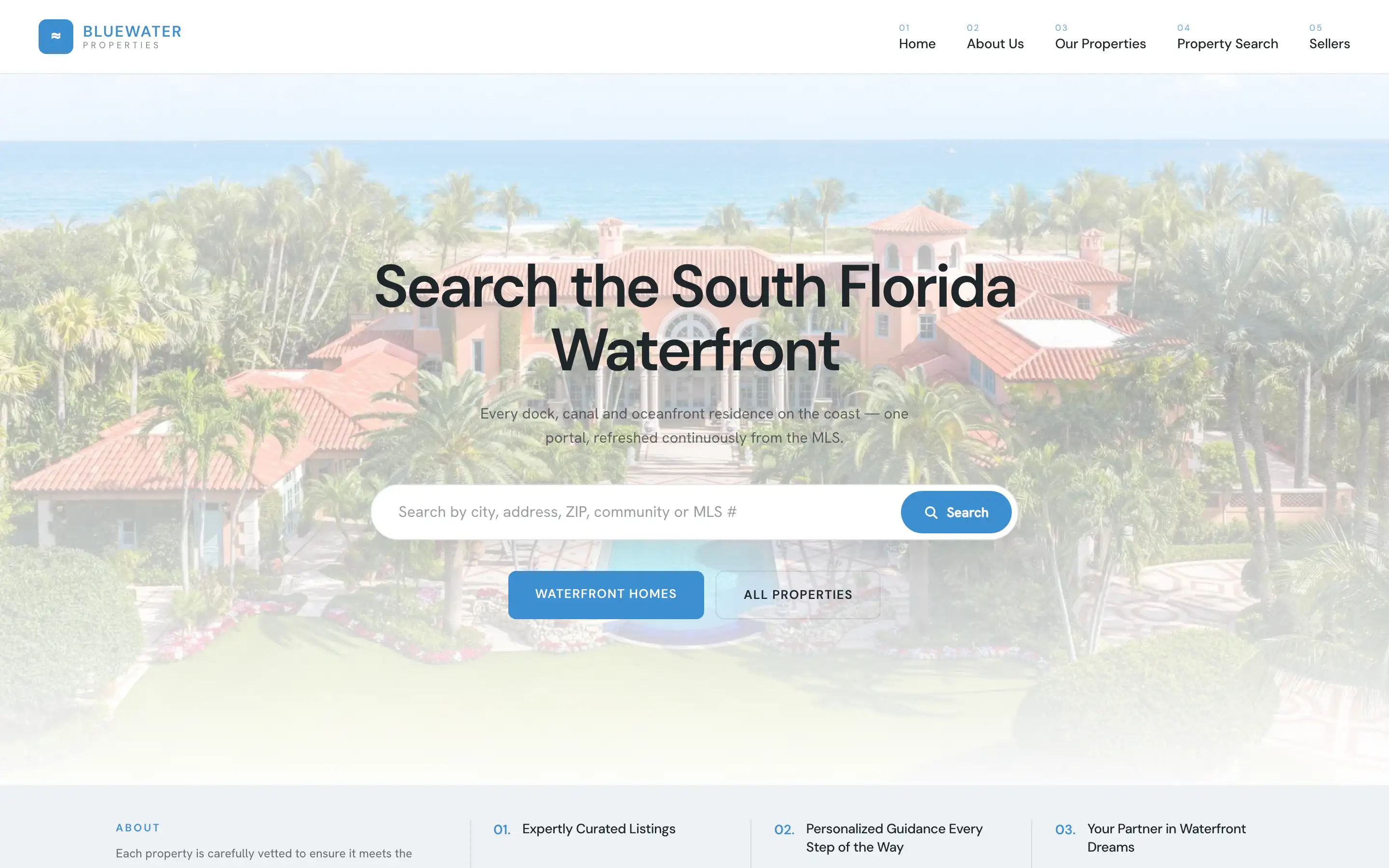
The platform runs under every design. Open any one and try it like a buyer would.
See the designs

Next step
Be the site for your neighborhoods.
Tell us the cities, communities and buildings you work. We send pricing and next steps.
Prefer to look around first? See the designs · Request a call